
Real-Time Image Creation withFLUX.2 Klein
Real-Time Image Generation Examples
A curated gallery of real images generated by FLUX.2-klein, showcasing prompt accuracy, visual fidelity, and real-time performance across diverse styles and subjects.

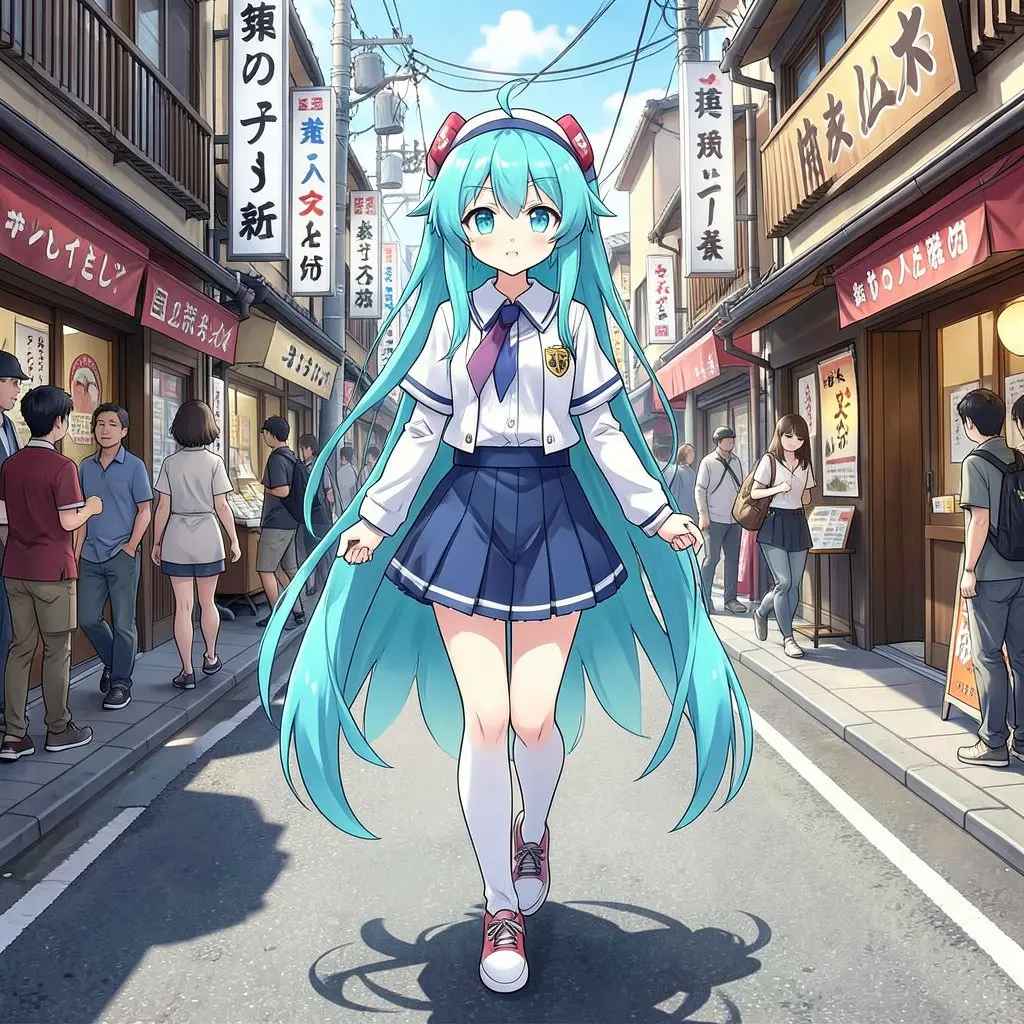
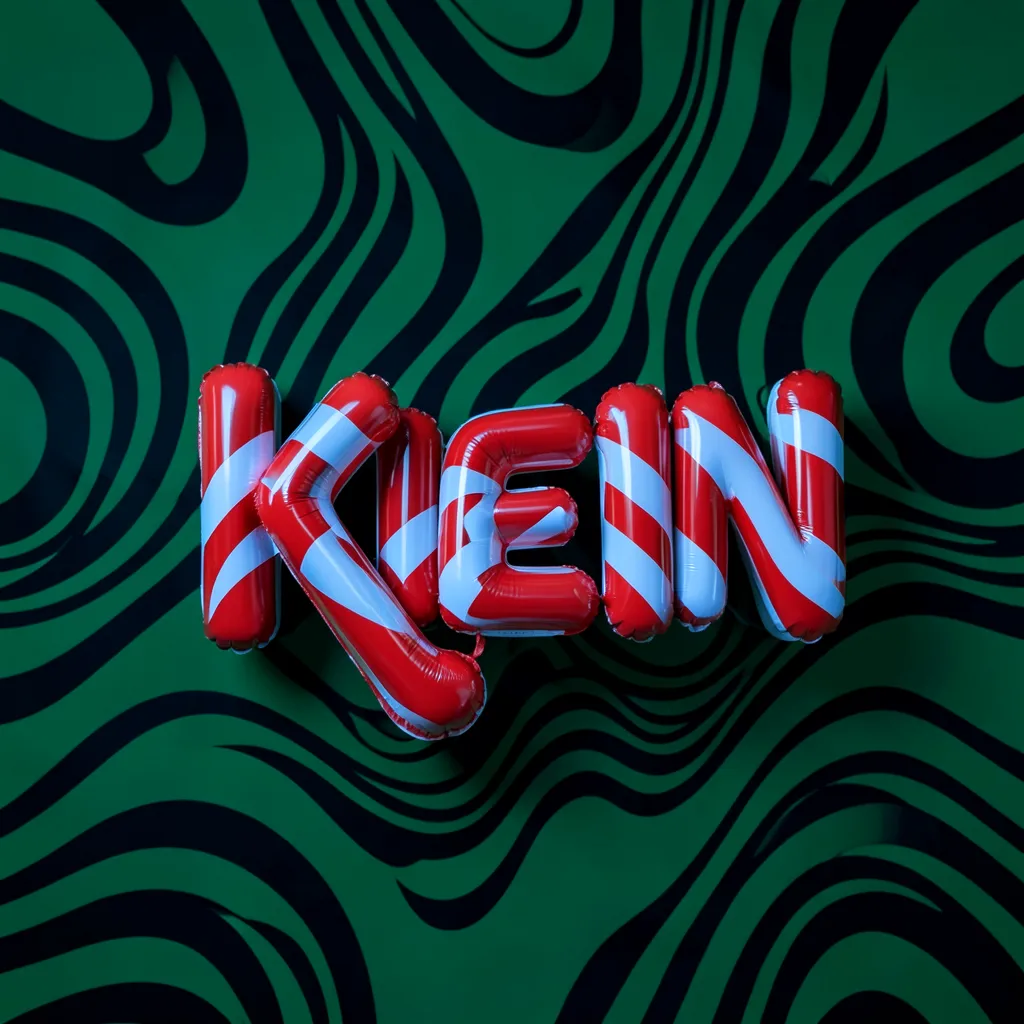

Real-World FLUX.2-klein Applications
Engineers, creators, and designers are already putting FLUX.2-klein to use in workflows that demand speed, flexibility, and multi-modal visual control.
Instant Product Visuals & Campaign Assets
Generate polished product renders and campaign imagery without a photoshoot.
E-commerce teams can rapidly prototype product images in different lighting, backgrounds, and contexts—cutting time and cost for online catalogs.
Realistic UI & Graphic Concepts
Generate design mockups with real-world textures and branding elements.
UI designers can draft interface screenshots, icons, and concept art directly from prompts to accelerate iteration cycles.

Fast Concept Iteration for Game Development
Generate game assets and concept sketches quickly during pre-production.
Game studios can produce multiple character, environment, or prop variations for early vision casting and team alignment.

AI-Generated Illustrations for Education
Create visual explanations to support learning modules faster.
Teachers and instructional designers can generate diagrams, illustrated examples, and visual storytelling elements in seconds.

FLUX.2 Klein Specs
Technical specifications for the 4B and 9B variants
Steps Required
Adversarial Distillation
Parameter Count
Dense Transformer
Min VRAM
Consumer Ready
Why FLUX.2-klein Stands Out
FLUX.2-klein redefines interactive AI visuals by combining blazing inference speed with flexible generation workflows.
Sub-Second Inference
Powered by advanced adversarial distillation, FLUX.2 Klein achieves inference times under 0.5 seconds on H100s. This enables a truly 'interactive' experience where images evolve instantly as you type.
Unified Text and Image Input
Supports classic Text-to-Image, Image-to-Image, and multi-reference generation without switching models.
Optimized for Consumer GPUs
Runs efficiently on affordable graphics cards, allowing broader access without enterprise hardware.
Multi-Reference Control
Guide output using multiple reference images for more accurate style or subject consistency.
Open Models & Customization
Official open-weight releases make FLUX.2-klein ideal for fine-tuning, custom workflows, and research development.
Coherent Multi-Shot Editing
Klein excels at structural consistency. Its unified attention mechanism allows for precise subject retention during editing tasks, making it ideal for consistent character creation and iterative design workflows.
The Klein Family
Choose the right balance of speed and fidelity for your application.
Common Questions about FLUX.2 Klein
What is FLUX.2-klein?▼
FLUX.2-klein is a lightweight, ultra-fast AI image generation and editing model released by Black Forest Labs, supporting text-to-image, image-to-image, and multi-reference generation.
How fast can FLUX.2-klein generate images?▼
Thanks to optimized architecture and quantization, FLUX.2-klein can produce images in sub-second time on compatible consumer GPUs.
Does FLUX.2-klein support image editing workflows?▼
Yes — the unified model supports editing workflows like style transfer, image variation, and generation guided by reference visuals.
Can I use FLUX.2-klein on consumer hardware?▼
Yes. FLUX.2-klein is designed to run efficiently on mid-range GPUs with 12–16GB VRAM without enterprise hardware.
Is FLUX.2-klein open source?▼
Certain versions of FLUX.2-klein are released under open licenses, enabling fine-tuning, research, and custom integration.
How does it compare to larger models?▼
While larger models may offer marginal quality gains, FLUX.2-klein prioritizes speed and flexibility, making it ideal for interactive and real-time use cases.
Can I integrate FLUX.2-klein into my app?▼
Yes. FLUX.2-klein’s open weights and developer focus make it suitable for integration into creative tools and platforms.
What inputs does FLUX.2-klein support?▼
The model supports both text prompts and image references, allowing hybrid workflows for controlled visual outputs.
What is the difference between FLUX.2 Klein 4B and 9B?▼
The main difference is the balance between size and detail. The 4B model is the fastest and most lightweight, optimized for consumer hardware and released under the permissive Apache 2.0 license. The 9B model offers higher fidelity and prompt adherence for professional use cases but requires slightly more VRAM.
Can I use FLUX.2 Klein for commercial projects?▼
Yes! The FLUX.2 [klein] 4B model is released under the Apache 2.0 license, which explicitly permits commercial use, modification, and distribution. The 9B model falls under the FLUX.1 [dev] non-commercial license.
How fast is 'sub-second' really?▼
On enterprise-grade hardware (like H100s), FLUX.2 Klein can generate images in under 0.5 seconds. On high-end consumer GPUs (like an RTX 4090), you can achieve near-instant results, making it feel like a real-time painting tool.
Where can I try FLUX.2 Klein without installing anything?▼
You can try it right here! We have integrated the model via z-image.app. Just scroll up to the hero section, type a prompt, and hit generate to experience the speed firsthand.
Does it support image-to-image or inpainting?▼
Yes. One of Klein's breakthrough features is its unified architecture. Unlike previous models that needed separate checkpoints for inpainting, Klein handles text-to-image and image editing/inpainting within the same model weights.
Is the model compatible with ComfyUI?▼
Yes, the community has already updated ComfyUI to support FLUX.2 architectures. You can load the GGUF or SafeTensors checkpoints directly and start building workflows.
Zero Setup. Instant Art.
Why wait for downloads and Python environment errors? Experience the power of FLUX.2 Klein immediately in your browser. Powered by z-image.app infrastructure.